How to Fix Echo Dot No Sound: Step-by-step solution

How to Fix Echo Dot No Sound

To fix Echo Dot no sound, unplug and restart it. Check Wi-Fi connection and perform a factory reset if needed. Facing issues with your Echo Dot where there is no sound coming out of the device? This common problem can be frustrating, especially if you frequently use your Echo Dot for music or voice commands. … Read more

Some Easy Fixes for Alexa Not Responding Issue: Easy fix it

Some Easy Fixes for Alexa Not Responding Issue

If Alexa is not responding, try power cycling your device and restarting your router for quick fixes. Restarting and checking internet connectivity are common solutions for Alexa unresponsiveness. Fixes for Alexa not responding can range from simple power cycling to more complex network troubleshooting. With the rise in popularity of smart home devices like the … Read more

Echo Registration Failure Error: Step-by-step solution

Echo Registration Failure Error

If you are facing Echo Registration Failure Error, it may be due to outdated software or incorrect account credentials. Ensure you have the latest software version and correct account details. Resolving these issues can help fix the registration problem. Facing Echo Registration Failure Error can be frustrating. Whether it’s due to outdated software or incorrect … Read more

How to Change Alexa Name: Step-by-step guide

How to Change Alexa Name

To change Alexa’s name, select a new “wake word” like Amazon, Echo, or Computer in the settings. Are you tired of saying “Alexa” every time you want your Amazon speaker to do something? Well, the good news is that you can actually change Alexa’s name by choosing a new “wake word. ” While you can’t … Read more

How to Change Alexa Wifi Setup: Step-by-step guide

How to Change Alexa Wifi Setup

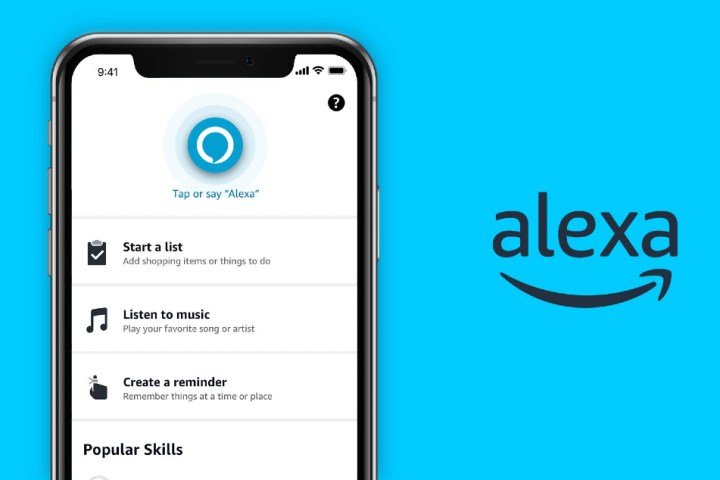
To change Alexa wifi setup, open Alexa app, go to Devices > Echo & Alexa, select device, go to Status > Change, select new wifi network. Changing Alexa wifi is a simple process that can be done using the Alexa mobile app on your phone or tablet. Navigate to the Devices section, select your Echo … Read more

Alexa Playback Control Not Supported: Step-by-step solution

Alexa Playback Control Not Supported

Alexa is unable to support playback control on this device. This may be due to compatibility issues. When using Alexa, some devices may not support playback control, which can cause music or radio playback errors. It is important to ensure that the device and Alexa app are updated and on the same Wi-Fi network for … Read more